

CONNECT.
Set up proxy IPs in the browsers, scripts and workspaces you use.
One network. Your next connection.
Datacenter, residential and rotating residential proxies for browsers, applications and AI agents. Choose network exits by the locations, IP count and traffic your work needs.
Set up proxy IPs in the browsers, scripts and workspaces you use.
Choose datacenter, residential or rotating IPs. Then compare counts, terms and traffic allowances.
Check specifications and calculate costs. Ordering, free IP claims and integrations will become available as they are released.
Research public information, check local pages, or let your AI agent browse the web.
Different tasks call for different IP types and allowances.
USM Proxy offers per-IP and traffic-based plans. Choose the IP count or traffic allowance your work needs.
Choose an app. Give it a network exit.
02 / THE CONNECTION LAYER
You set the direction. Your tools do the work.
USM connects them to the web.
01 / WEB RESEARCH
Give your AI agent a proxy connection for public web research. Collect pages in batches, compare regional content and turn the results into structured data.
web.collect → extract → analyze
02 / SOCIAL OPERATIONS
Organize the social accounts you manage into separate browser profiles. Pair each workspace with its proxy settings while your tools prepare content, schedule posts and review results.
profiles → publish → review
03 / ECOMMERCE
Work across storefronts and markets. Use your agents to research public prices, prepare product listings and compare local shopping experiences, with proxy connections configured for each workflow.
markets → listings → storefronts
04 / ADVERTISING
Include regional ad checks in your campaign work. Your tools manage the campaigns; proxy connections help you inspect landing pages and placements from the locations you choose.
campaigns → local checks → insights
Configure proxies in your own browser or tools. AI and tool fees are separate.
USM API, Skill and MCP integrations are not yet available.
Your next task starts with the right connection. Find a fit for your research, local storefronts or rotating-exit workflows.
THREE WAYS TO CONNECT. YOUR CALL.
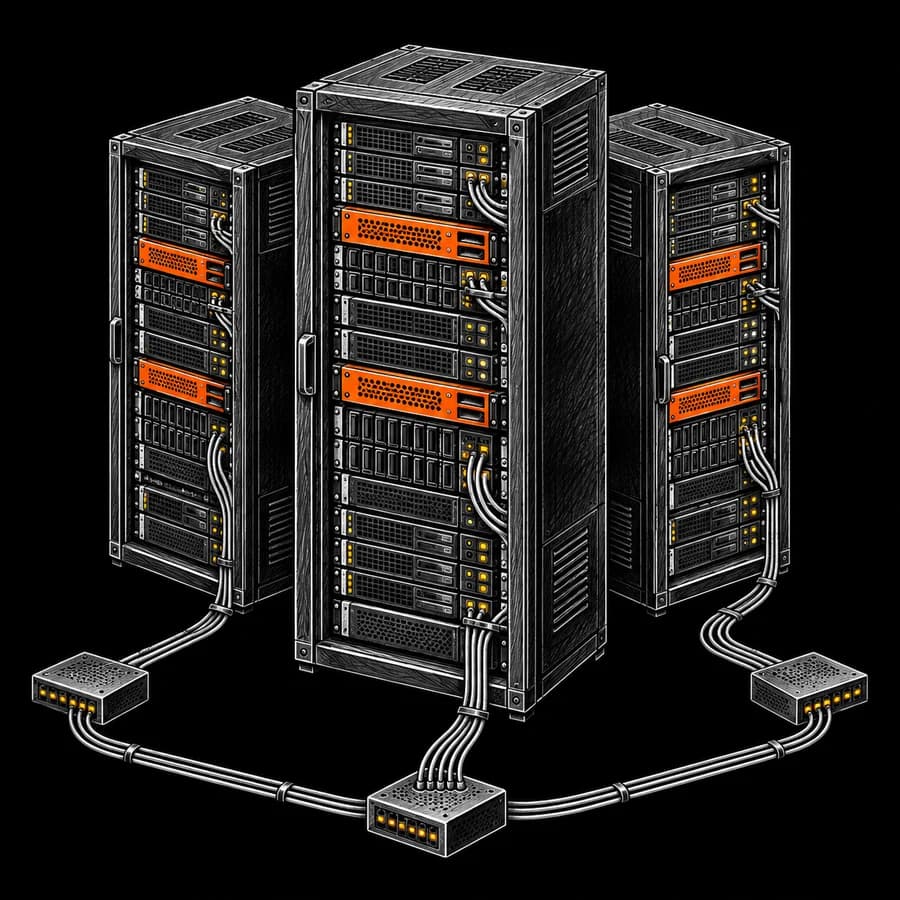
Give your browsers and scripts a datacenter exit. Choose the IP count your next task needs.

Explore local storefronts through residential network IPs. Find exits for your market research and browser workspaces.

Choose a GB allowance for tasks that need changing residential exits. Match your traffic budget to the work ahead.
Explore plans and requested locations. Ordering is not open yet.
See how to use a proxy in your tools and workflows.
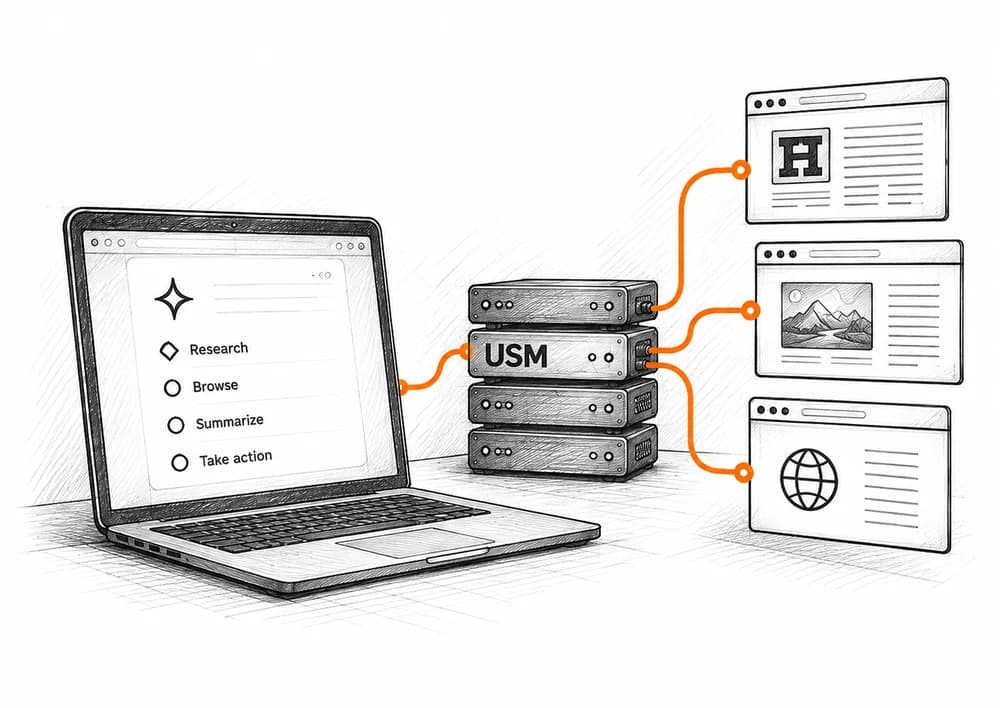
Connect your agent’s browser or script to public web pages. Gather information and compare regional content. Proxy usage and AI tools are billed separately.
EXPLORE WORKFLOW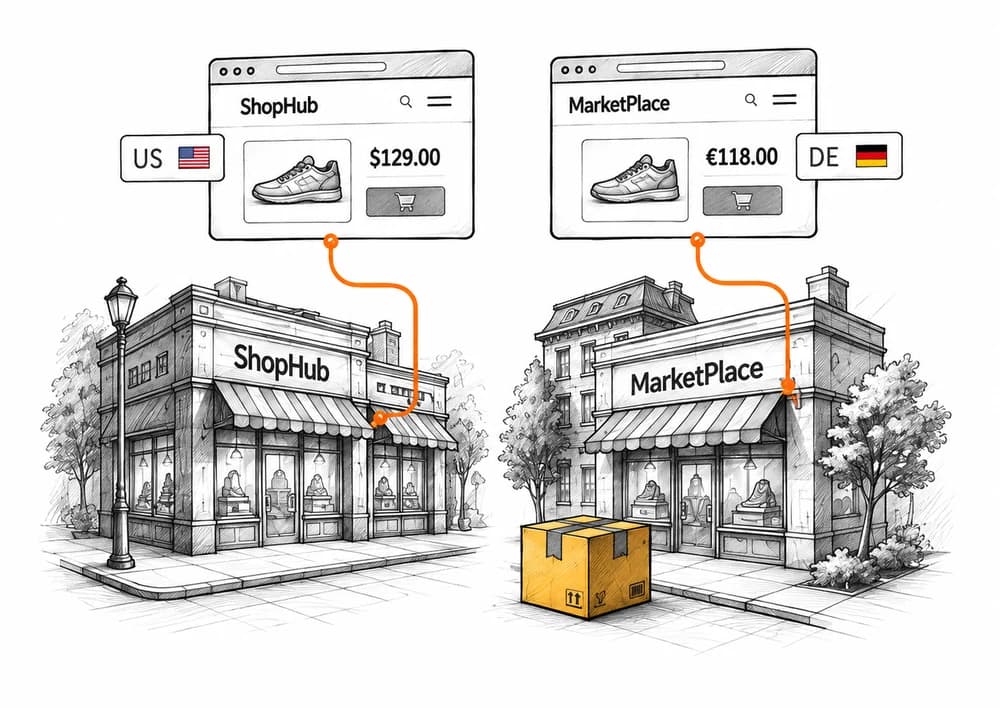
Compare public product information, prices and storefront pages across regions. Choose proxy exits for the locations and duration of your research.
EXPLORE WORKFLOW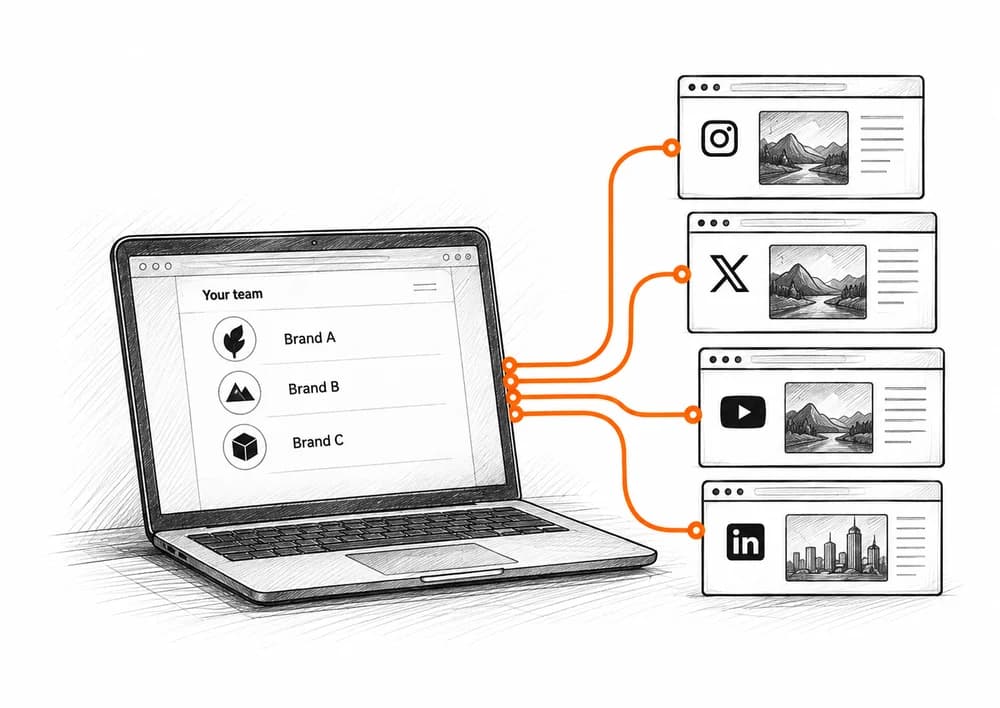
Organize the accounts you own or manage into separate browser profiles. Pair each workspace with its proxy settings and check the exit IP your tools actually use.
EXPLORE WORKFLOW// YOUR WORKSPACE, EXPANDED
Use a proxy with the browser or script behind your agent and the platforms you work with.
Skip to workflows ↘Logos illustrate use cases, not official partnerships or released native integrations.
Check what your public web research, browser profiles or developer workflows need from a proxy before choosing a plan.

Configure the browser or script your agent uses. Choose proxy exits and allowances to suit the task.
Learn more
Research public product information and local pages. Compare IPs by location and term.
Learn more
Manage proxy settings for your workspaces and assign an exit to each browser profile.
Learn more
Read about planned API, Skill and MCP access. Each release will list its endpoints and supported operations.
Learn more
The free client supports other providers’ proxies. Downloads will follow public platform releases.
Learn more
Compare IP counts and traffic allowances to find a plan that fits your work.
Get to know our proxy products, tools and service plans.